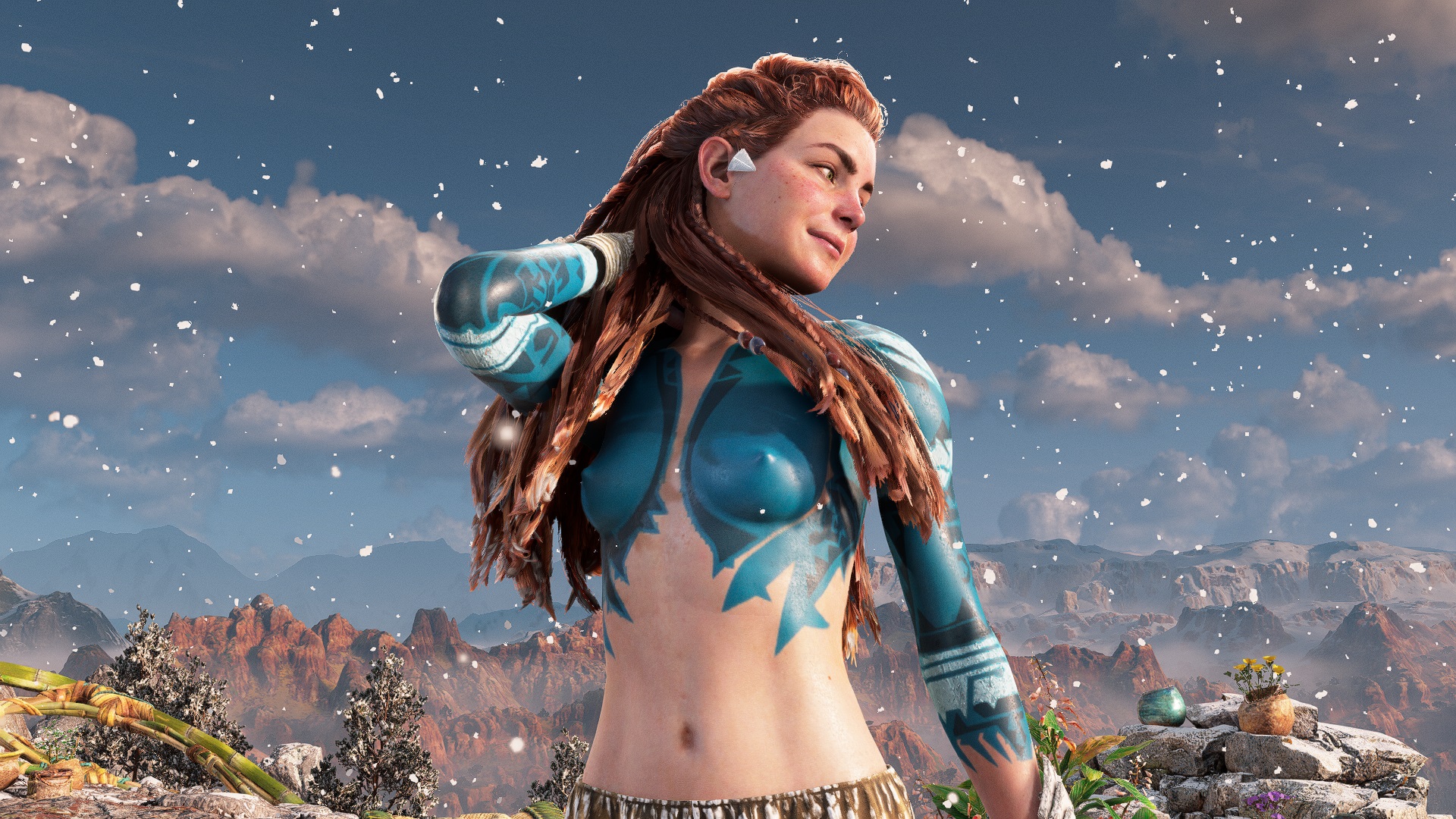
The Nak Elijah - Reshade
Version 2024.04.10
Uploader: Hank Hill
Uploaded: | Updated:
0 votes
0 comments
3.54 MB
The Nak Elijah - Reshade
Simple ReShade that removes the armor from the model of the heroine.
The installation:
1- Download and install Reshade (version with full support for add-ons)
2- Download ShaderToggler.addon64.zip, unarchive
place ShaderToggler.addon64 in the same folder where the game's exe file is located.
3- Download ShaderToggler.ini and put it in the same folder. ShaderToggler.ini
4- when a request appears, select DX10/11/12. You do not need to activate any effect, only the presence of DLL and ini to the root of the folder with exe is enough
5 - Launch the game.
6 - We put on the armor of Tenakth Recon or Reaver.
F1 - Removes the top of the armor and the veil.
F2 - Removes the remaining parts of the armor.
F3 - Removes weapons.
The installation:
1- Download and install Reshade (version with full support for add-ons)
2- Download ShaderToggler.addon64.zip, unarchive
place ShaderToggler.addon64 in the same folder where the game's exe file is located.
3- Download ShaderToggler.ini and put it in the same folder. ShaderToggler.ini
4- when a request appears, select DX10/11/12. You do not need to activate any effect, only the presence of DLL and ini to the root of the folder with exe is enough
5 - Launch the game.
6 - We put on the armor of Tenakth Recon or Reaver.
F1 - Removes the top of the armor and the veil.
F2 - Removes the remaining parts of the armor.
F3 - Removes weapons.