Overview
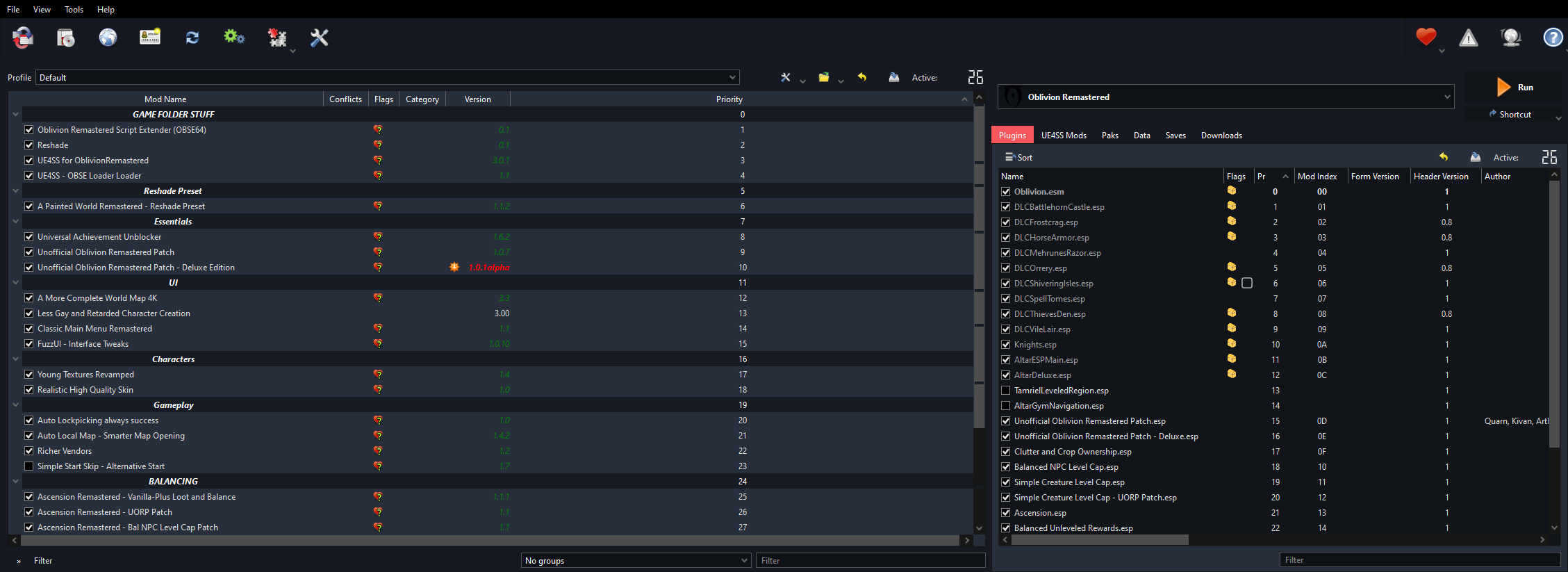
Easy drag-and-drop-to modlist starter setup for Oblivion Remastered.
Uses Mod Organizer 2.
Installation
- Open the .zip file
- Double click into _Open and extract to your Game Folder
- Drag and drop the OblivionRemastered folder to your game folder
- Drag and drop the "MO2 Modlist" folder wherever you want
- Launch ModOrganizer2.exe
- Select Portable Instance, then select your game folder via Browse
- Set your game folder
- Once done, click "Play"
Zip file password is ***
NOTE: I haven't and will probably not play this game so please feel free to make suggestions